JIRA is a great issue tracking software by Atlassian and it offers many features to keep your bugs and tasks organised. However, if you’re using it for a while and your project grows bigger and bigger, it can get quite difficult to stay updated on your issues. What I mean is you can’t keep track of all new issues by yourself. Especially if you have a public JIRA instance where all of your customers can add issues. So let’s see what JIRA offers to you in order to support your wish to get the newest issues of your project.
Search for Issues
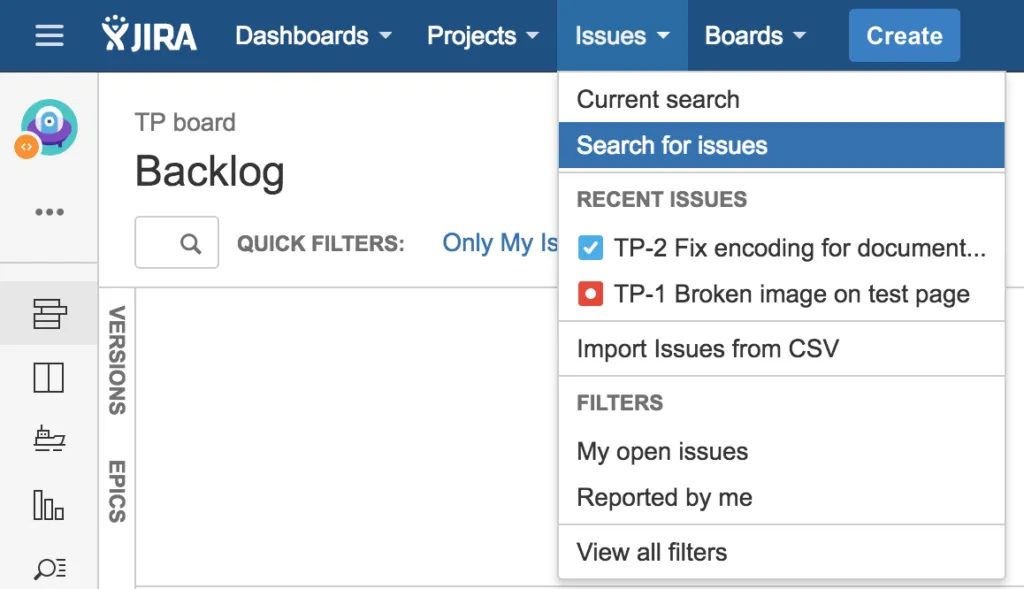
The easiest way to retrieve new issues is to search for them. JIRA offers a powerful search mechanism where you can search for… well, nearly everything related to your issues. From basic things like the issue’s project or some text within your issue, you can also use a more fine-grained search: (or maybe use the Advanced search if you’re familiar with JQL)
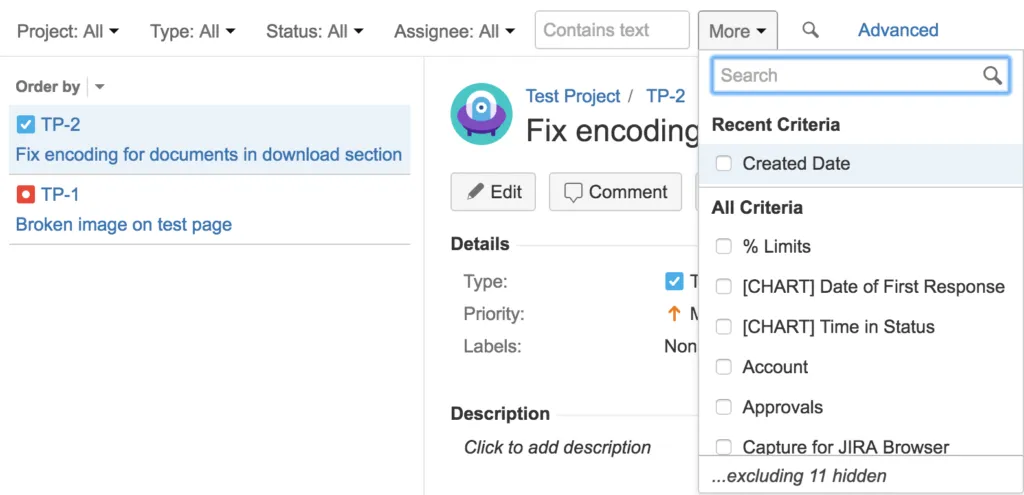
Within the list of criterias you see on the image, you will find Created Date. If you select it, a new popup opens where you can define some attributes. E.g. you can select a range of days or even minutes that the issue’s Created Date attribute should match.
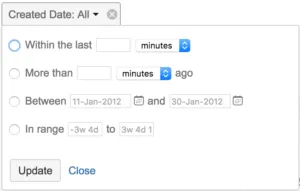
This is exactly what we’ve been looking for! For example, you can set Within the last 24 hours and you will see all issues which have been created in the last 24 hours. Nice! But to be honest, we don’t want to figure this out every time we’re looking for the newest issues.
Issue Filters and Subscriptions
Of course there is a way to save this search for the next time. Just click the Save button next to the heading and give your search a meaningful name. JIRA stores these search as a filter (filters can also be shared within your instance). This comes in very handy in order to reach our original goal: Getting notified about new JIRA issues. You can achieve this by opening View all filters:
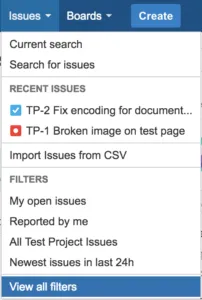
By default this shows you a list of your favourite filters. The interesting thing is that you can add a subscription for each of your filters. These subscriptions will notify you with a status based on your desired time and interval:
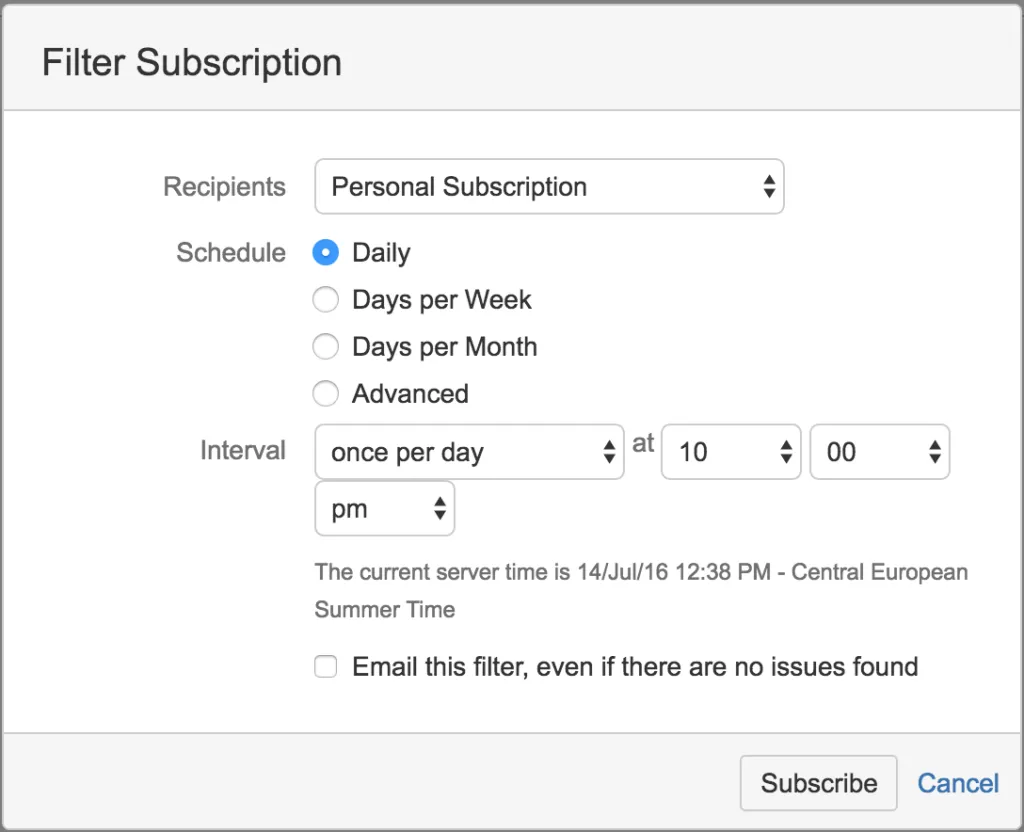
Awesome! This is exactly what we want to keep an eye of the new issues in our project. Combined with the powerful search and filter mechanism in JIRA, you can subscribe to many individual views on your project. Have fun using the filter subscriptions!

Related Articles

My first time on a bigger stage
Essential lessons from giving a conference talk at Atlas Camp 2018: why storytelling matters, how much preparation time you really need, and presentation techniques that work.
Command line tool to quickly start a Confluence standalone instance
Start Confluence standalone instances in seconds with confluence-starter CLI. Automate downloads, configuration, and setup for addon development and testing.
Migrating a SAM CfnApplication to a CDK NestedStack Without Recreating Resources
How to replace an embedded SAM CfnApplication with a native CDK NestedStack in place, keeping the underlying Lambda and Step Functions resources and their outputs intact.
Migrating AWS CDK logRetention to logGroup Without Losing Your Logs
How to safely migrate the deprecated AWS CDK logRetention prop to logGroup by importing the existing log group, so you keep your logs and avoid a failed deploy.